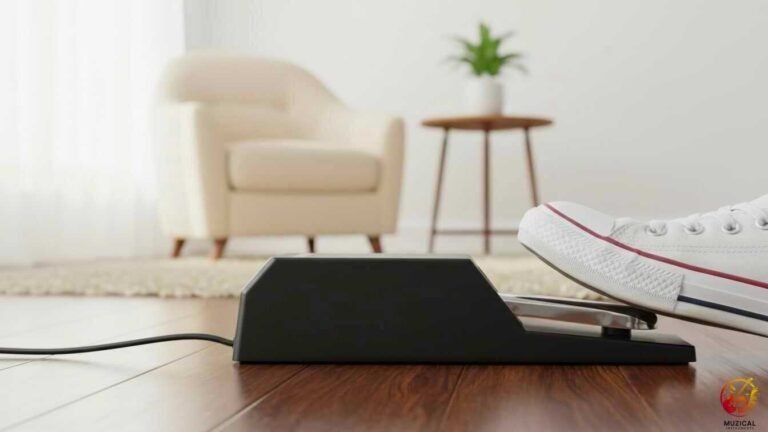
How To Choose The Right Sustain Pedal For My Keyboard

The right sustain pedal for your keyboard depends on three things: the right type, the correct polarity, and a feel that is comfortable for your foot. When these match your keyboard, your playing sounds smooth and natural.
In this guide, you will learn:
- What polarity means and why it matters
- Which pedal types match your keyboard brand
- How to check pedal compatibility
- How much should you spend
By the end, you will know exactly how to choose the right sustain pedal for your keyboard.
Do All Sustain Pedals Work With All Keyboards?
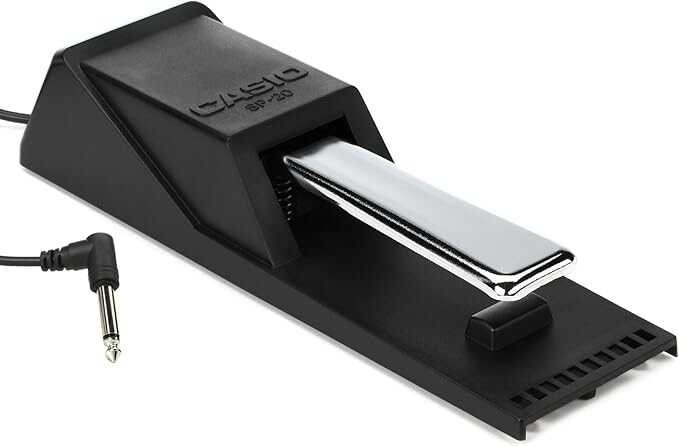
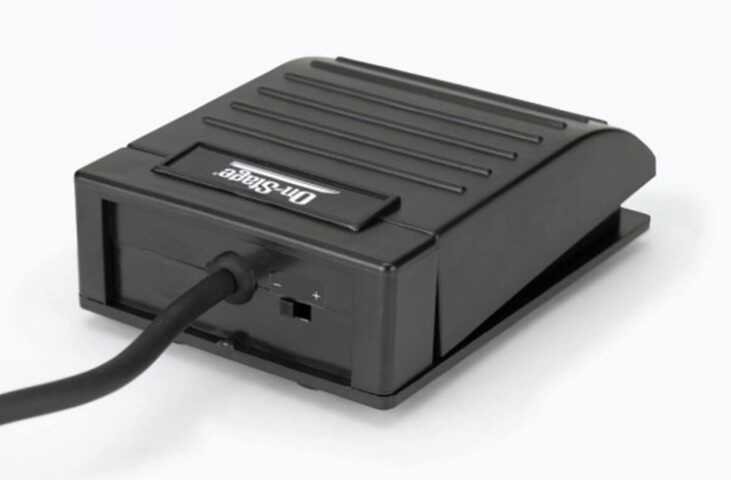
No, not every pedal works with every keyboard. The main issue is polarity, the way a pedal sends its “on” and “off” signals.
Some pedals are normally open and others normally closed. Using the wrong type can reverse the pedal. Notes might sustain when you lift your foot and stop when you press it.
Common setups by brand:
- Yamaha, Casio, and most budget keyboards → normally closed pedals
- Roland, Korg, and some Kawai keyboards → normally open pedals
- Many modern keyboards → have a polarity switch to work with both types
You can usually fix reversed polarity:
- Check your keyboard’s settings menu for “pedal polarity” or “sustain pedal settings”
- Some premium pedals have a switch on the pedal itself to match your keyboard
This makes choosing a universal pedal easier and ensures smooth playing.
What Is Sustain Pedal Polarity and Why Does It Matter?
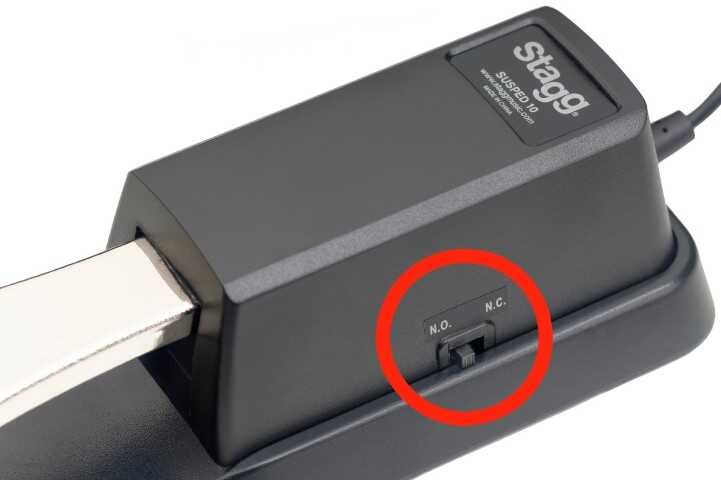
Sustain pedal polarity is how the pedal completes an electrical signal with your keyboard. It works like a light switch, some pedals “turn on” when pressed, others “turn off.”
- Normally closed pedals: Circuit is complete until you press down. Pressing opens the circuit and triggers sustain.
- Normally open pedals: Circuit is open until you press. Pressing closes it and triggers sustain.
If polarity is wrong, notes may sustain all the time unless you hold the pedal down. This makes playing very frustrating.
How to check polarity:
- Plug in the pedal and play a note without pressing it.
- If the note sustains, the polarity is reversed.
- Fix it by switching the pedal polarity, changing keyboard settings, or using a different pedal.
Pedals with switchable polarity work with any keyboard and cost only a little more.
How Do I Check Sustain Pedal Compatibility Before Buying?
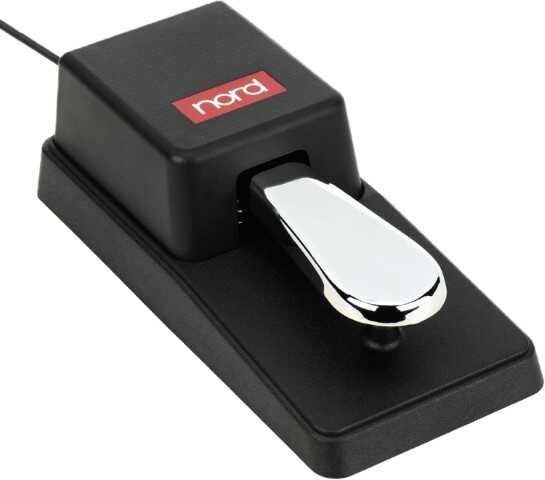
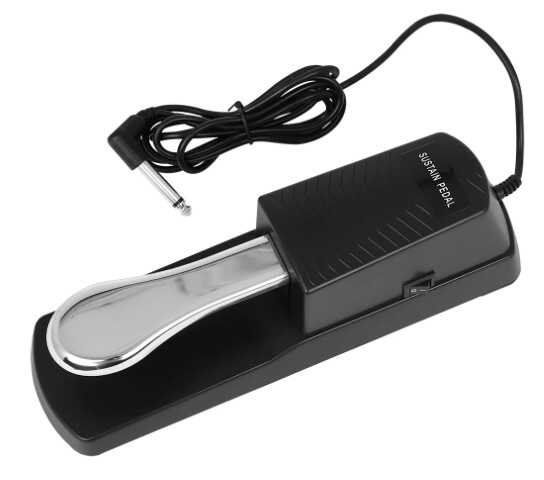
Check three simple things: jack size, pedal polarity, and pedal support.
Most keyboards use a standard 1/4-inch pedal jack. Look at the back of your keyboard to be sure. Toy keyboards may use smaller jacks, but real keyboards use the standard size.
To check polarity, try this:
- Look at your keyboard’s manual under specifications or pedal section
- Check the manufacturer’s website for your model number
- If you can’t find it, assume Yamaha and Casio use normally closed, while Roland and Korg use normally open
- Buy a switchable pedal and avoid the whole problem
For continuous control, check the manual for words like “half-damper.” If it is not listed, your keyboard likely uses simple on/off pedals only.
Here’s a compatibility table for common keyboard brands:
| Keyboard Brand | Common Polarity | Continuous Sustain (Typical) | Recommended Pedal Type |
|---|---|---|---|
| Yamaha | Normally Closed | Mid-range and up | FC5 (basic) or FC3A (premium) |
| Casio | Normally Closed | Higher-end models only | SP-3 (basic) or SP-34 (premium) |
| Roland | Normally Open | Most models | DP-2 (basic) or DP-10 (premium) |
| Korg | Normally Open | Many models | PS-1 (basic) or PS-3 (premium) |
| Nord | Normally Open | Most models | Universal with switch |
| Kawai | Varies by model | Most digitals | Check manual, use switchable |
Generic brands (Alesis, M-Audio, Nektar, Behringer) usually work with both polarities if they have a switch.
Which Sustain Pedal Should Beginners Buy?
Beginners should start with a simple and low-cost sustain pedal.
If you are just starting, a basic foot-switch pedal is enough. You do not need an expensive pedal yet. Many beginners do well with pedals from Yamaha, Casio, or M-Audio.
Good beginner pedals are:
- Small and light, easy to carry
- Simple on and off action
- Compatible with many keyboards (check your manual)
- Low cost and easy to replace
These pedals may slide on hard floors. Placing them on a rug or rubber mat helps. They also feel more like buttons than real piano pedals. That is okay for beginners. At first, you are learning when to press and lift. Advanced pedal control can come later when your skills grow.
Should I Buy a Brand-Specific or Universal Sustain Pedal?
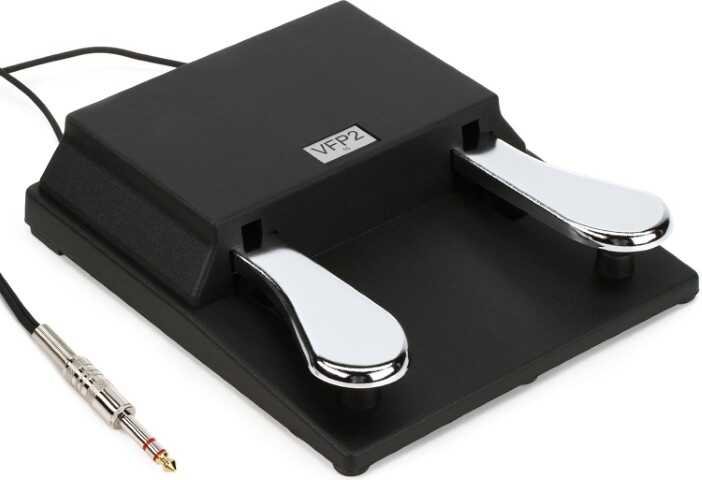
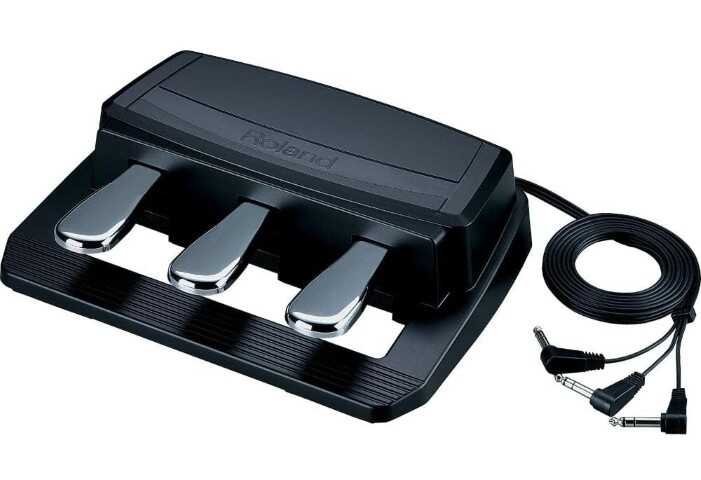
You should buy a universal sustain pedal with a polarity switch in most cases.
Brand-specific pedals work best with one brand. They plug in and work right away. But they only fit that brand. If you change keyboards later, the pedal may not work.
Universal pedals solve this problem. They cost almost the same. They work with many keyboards. A small switch lets you match the pedal to any brand.
Buy brand-specific if:
- You are replacing a pedal for a keyboard you will keep
- The brand pedal has special features you want
- All your keyboards are the same brand
Buy universal if:
- You may upgrade your keyboard later
- You play different keyboards in different places
- You want one pedal for everything
Tip: mark the switch with tape so you remember the right setting.
How Much Should I Spend on a Keyboard Sustain Pedal?
Spend $15-30 if you’re a beginner or casual player. Spend $60-100 if you’re intermediate or advanced and your keyboard supports continuous sustain.
Here’s how to think about price ranges:
$10–20 pedals (Basic footswitches)
- Simple on/off press
- Plastic body
- Short cable
- Slide on smooth floors
- Good for first-time learners
- Examples: Yamaha FC5, M-Audio SP-1, generic Amazon brands
$25–40 pedals (Better footswitches)
- Stronger build
- Rubber bottom to stop sliding
- Polarity switch for brand matching
- Longer cable
- Still on/off only
- Examples: M-Audio SP-2, Nektar NP-2, Roland DP-2
$50–80 pedals (Entry premium)
- Piano-style shape
- Spring feel under your foot
- Supports half-press if your keyboard allows it
- Examples: Yamaha FC4A, Roland DP-10, M-Audio SP-Dual
$80–150 pedals (Professional)
- Heavy and stable
- Smooth, real-piano feel
- Full half-pedal control
- Premium materials and build
- Very stable base
- Long cable (often 10+ feet)
- Examples: Yamaha FC3A, Roland RPU-3, Korg XVP-20
Tip: don’t pay for features your keyboard cannot use. For most people, $25–40 is the best value.
Why Is My Sustain Pedal Not Working With My Keyboard?
Most of the time, it fails because the pedal polarity is reversed. This is common and easy to fix.
Quick fixes to try first:
- Check keyboard settings – Look in System, Function, or Pedal settings for “Pedal Polarity” or “Sustain Reverse.”
- Flip the pedal switch – Many pedals have a small switch on the side or bottom. Change its position.
- Unplug and replug – Turn the keyboard off. Plug in the pedal. Then turn it back on.
- Try calibration – Some keyboards need setup at startup. Hold the pedal down or press it a few times while powering on.
If it still doesn’t work, check these:
- Cable damage – Gently move the cable. If sound cuts in and out, the cable is broken.
- Wrong jack – Make sure it’s in the sustain input, not expression.
- Changed settings – Someone may have reassigned or turned off sustain. A factory reset can help.
- Dead pedal – Old budget pedals can wear out.
Before buying a new one, test with another pedal if you can.
How to Choose the Right Sustain Pedal for My Keyboard: Final Thoughts
The right sustain pedal is the one that fits your keyboard and your playing level. First, check polarity and pedal support. This tells you what will work.
If you are new, a simple $15–30 pedal is enough. If you play more and your keyboard allows it, a piano-style pedal gives better control. A universal pedal with a switch is the safest choice for most people.
A good pedal helps your music flow. It makes practice more fun. Choose smart, not fancy. Your feet matter as much as your hands.
FAQ: How to Choose the Right Sustain Pedal for My Keyboard
1. Can I use any sustain pedal with any keyboard?
Mostly, yes. Most pedals use a standard plug that fits almost all keyboards. The only big difference is how they are wired inside. To be safe, buy a “universal” pedal with a polarity switch. This guarantees it will work with brands like Yamaha, Casio, and Roland without any issues.
2. Why is my sustain pedal working backwards?
This happens when your pedal’s “polarity” is the opposite of your keyboard’s. It means the pedal sends a “stop” signal when you press it instead of “go.” To fix it, look for a small switch on the side or bottom of the pedal and flip it. If there is no switch, try plugging the pedal in before you turn the keyboard on.
3. Do I really need a sustain pedal as a beginner?
You can start without one, but you will need one very soon. Many beginner songs sound dry and choppy without smooth transitions. A sustain pedal helps blend notes together so your music sounds professional. Since they are affordable, it is usually better to get one right away so you learn the correct technique early.
4. What is the difference between a sustain pedal and a damper pedal?
They are the exact same thing! “Damper pedal” is the classic name used for acoustic pianos because it lifts the dampers off the strings. “Sustain pedal” is the modern name used for electronic keyboards because it “sustains” the electronic sound. If you see either name, it does the same job.
5. Does a sustain pedal need batteries?
No, standard sustain pedals do not need batteries. They are simple mechanical switches that get all the power they need directly from the keyboard through the cable. You just plug it in and play.